Trace with your phone or tablet
Straight answers about tracing onto paper from a phone or tablet screen: how to set it up, which app fits which job, and what it can't do.
-
 Learning
Learn to draw by tracing from your phone
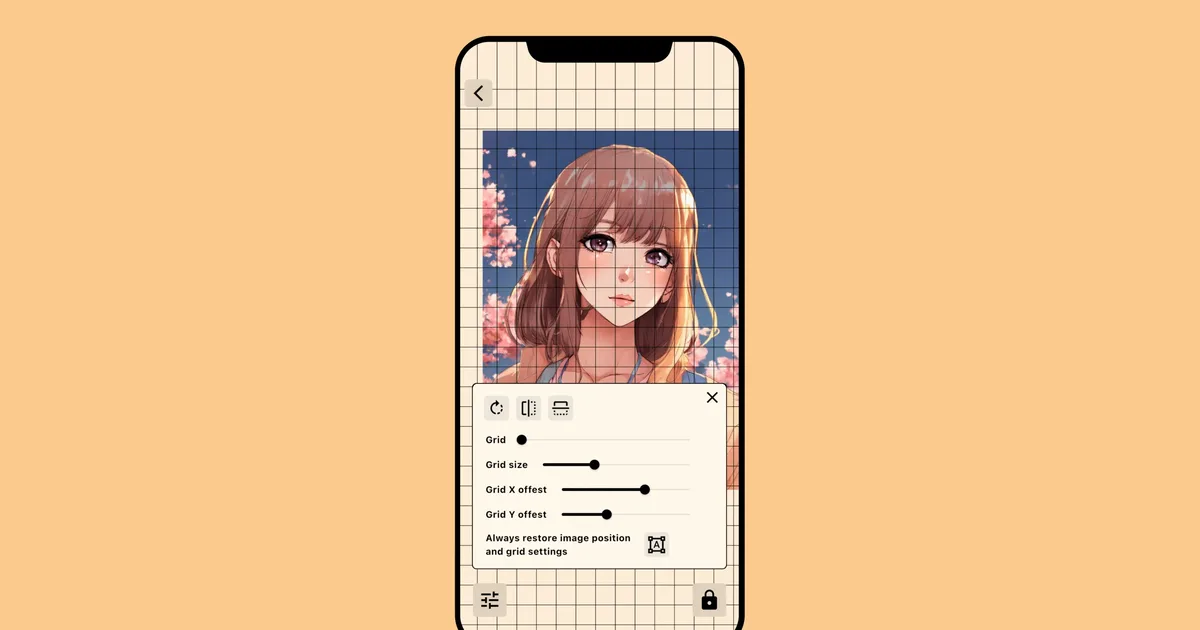
Start by tracing simple drawings through paper laid on your phone or tablet, move on to detailed ones, then draw the same picture without tracing, using a grid to keep proportions. Tracing trains the hand; the grid trains the eye.
-
 Comparison
Light box app or AR tracing app?
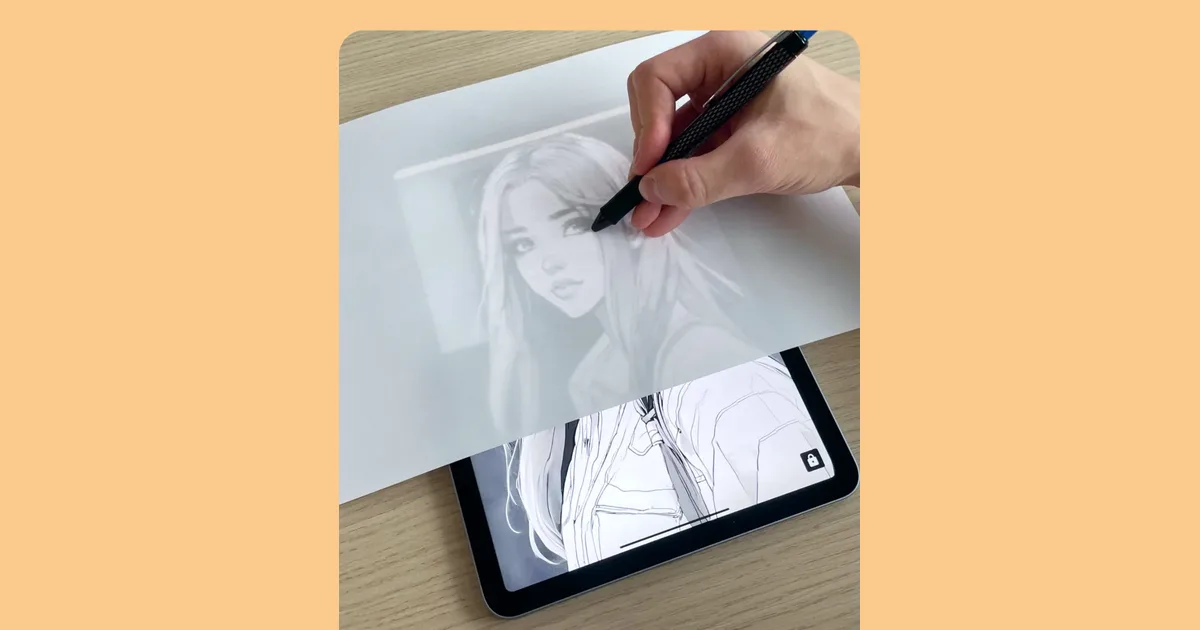
If your paper is thin and fits on your phone or tablet, use a light box app: the paper lies on the screen and you trace straight onto it. If the sheet is big or thick, or it's a canvas, use an AR tracing app, which shows the picture over your paper through the camera.
-
 Tips
Stop the picture moving while you trace
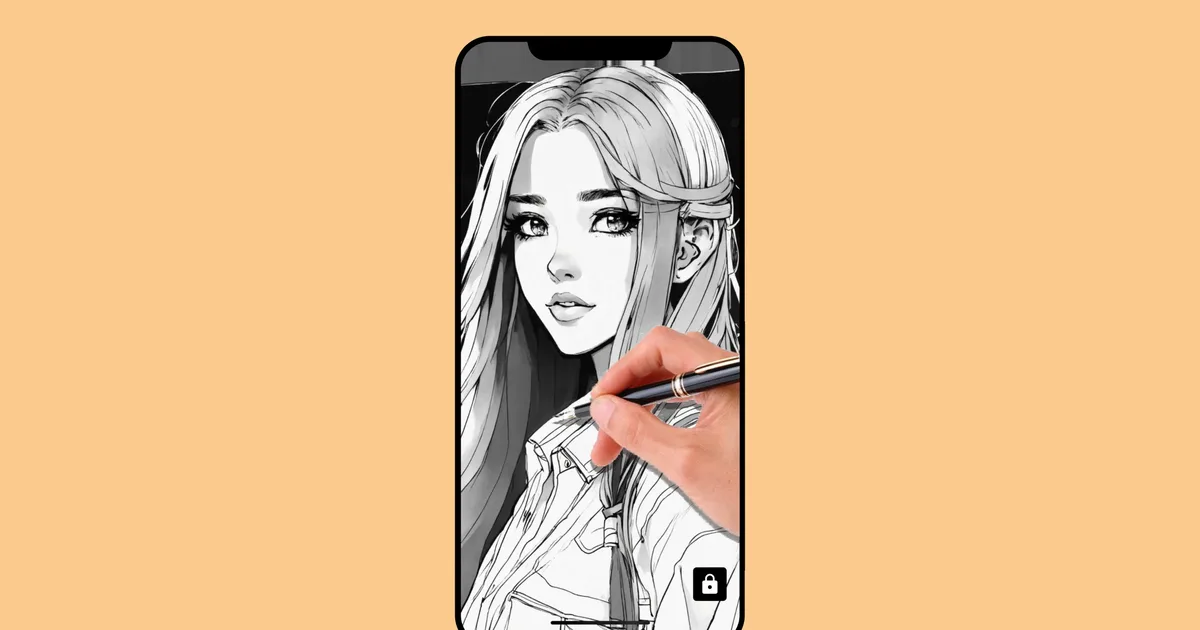
The picture slides because the screen reads your palm, your fingers and the paper itself as touches. Turn touch off with Guided Access on iPhone and iPad, or trace in an app that locks the image, so only a deliberate gesture can move it.
-
 Comparison
Tracing apps compared: which one fits
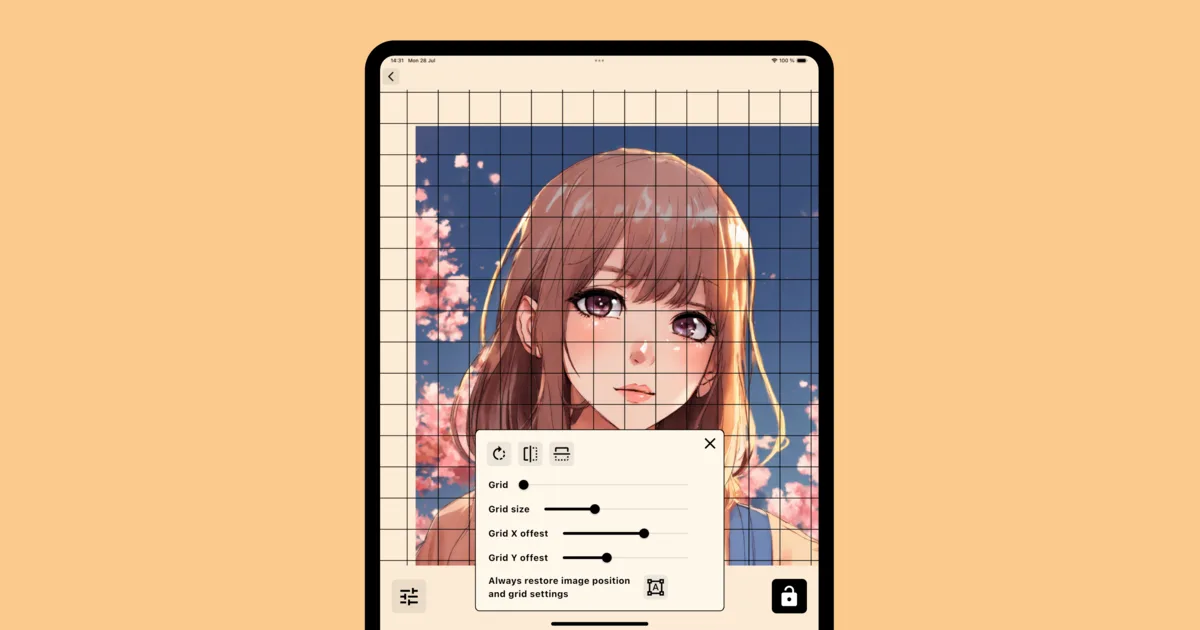
Tracing apps work in one of two ways. Light box apps show the picture under a sheet of paper laid on the screen. AR or camera apps show it over your paper through the camera while you draw beside the phone. Pick the kind first, then the app.
-
 Tips
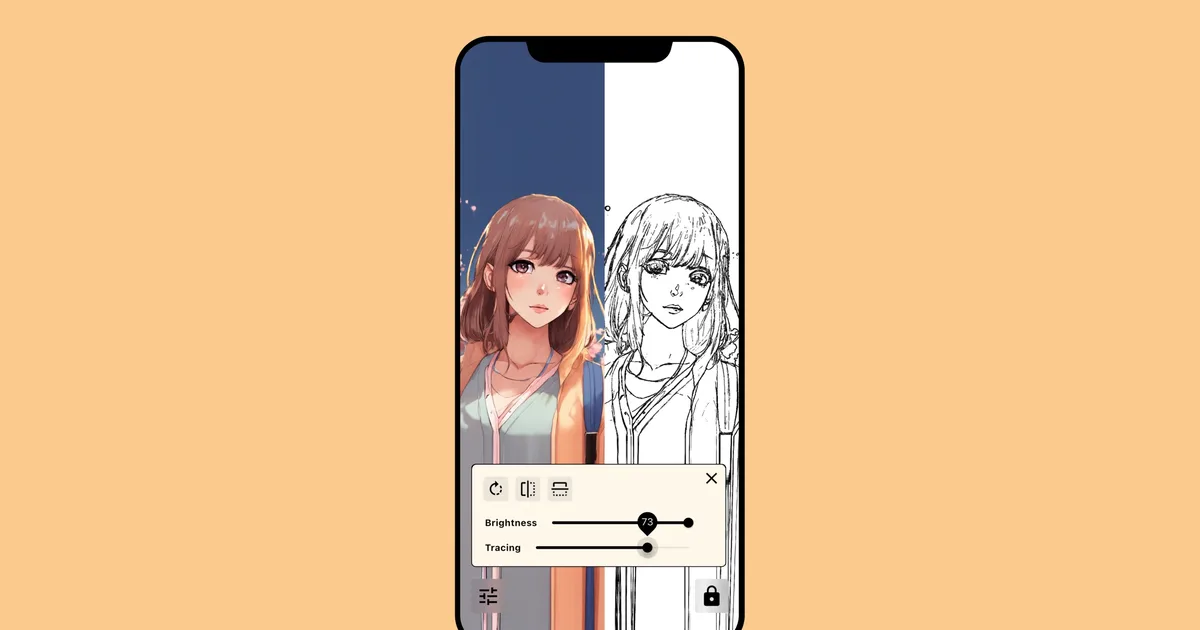
Turn a photo into line art you can trace
To trace a photo, first strip it down to its outlines. Edge detection does that in a second, and a light box app such as Lightbox draw lets you do it and trace the result in the same place: slide Tracing until only the lines are left, lock the picture and draw.
-
 iPad
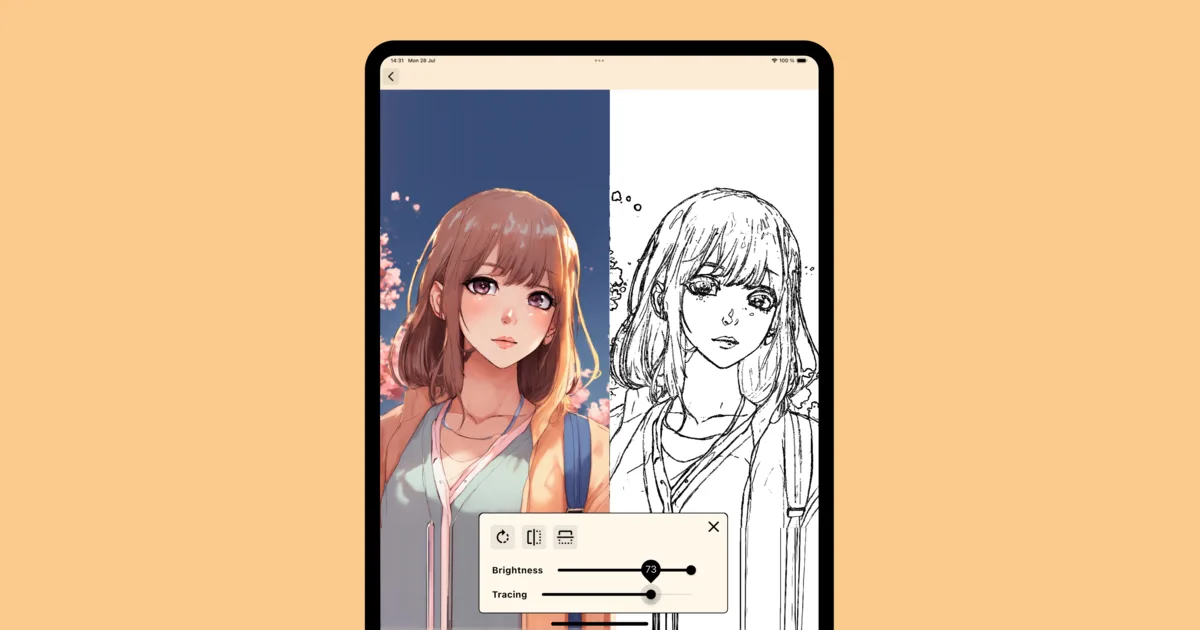
Use your iPad as a light box for tracing
Show the picture on your iPad at full brightness, lay a sheet of thin paper on the glass and trace the lines that shine through. The two things that go wrong, a picture that moves under your hand and a screen that goes to sleep, both have a fix.
-
 Phone and Android
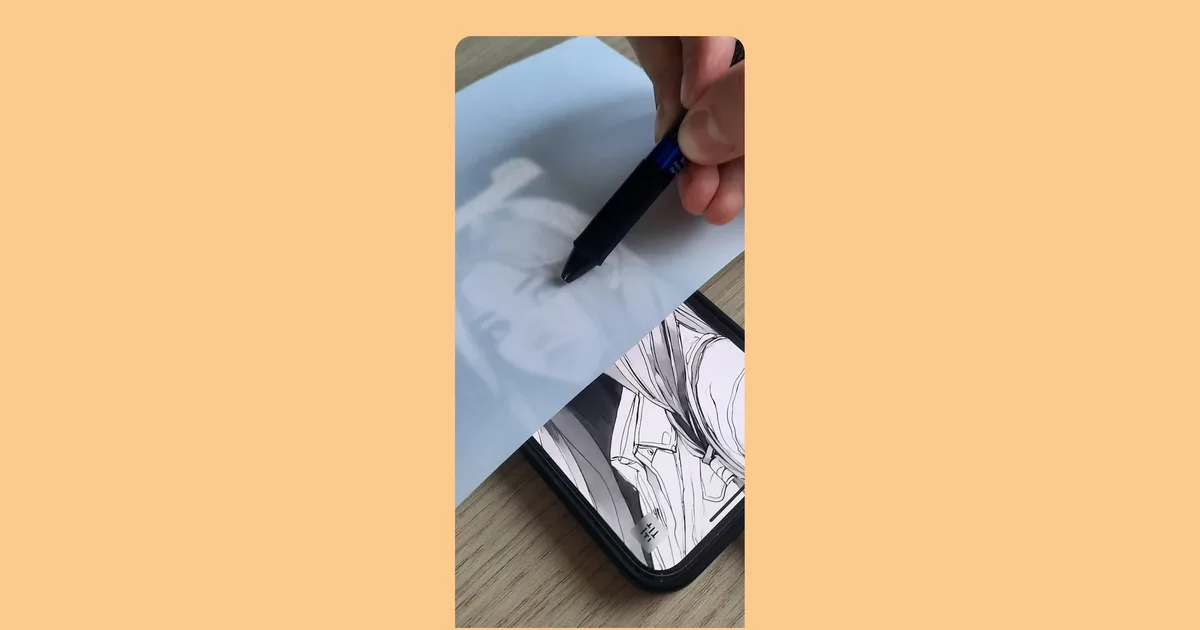
Use your phone as a light box to trace a drawing
Open the picture on your phone at full brightness, lay thin paper over the screen and trace the lines that show through. It works on any iPhone or Android phone, and on Android tablets, as long as the picture stays still and the screen stays on.
Turn your phone into a light box
Lay paper on the screen, lock the picture so your hand can't move it, and trace. Free to download on iPhone, iPad and Android.