- Lightbox draw
- Guides
- Learning
Learn to draw by tracing from your phone
Start by tracing simple drawings through paper laid on your phone or tablet, move on to detailed ones, then draw the same picture without tracing, using a grid to keep proportions. Tracing trains the hand; the grid trains the eye.
 The Lightbox draw team · 1 min read
Step 1: trace simple drawings
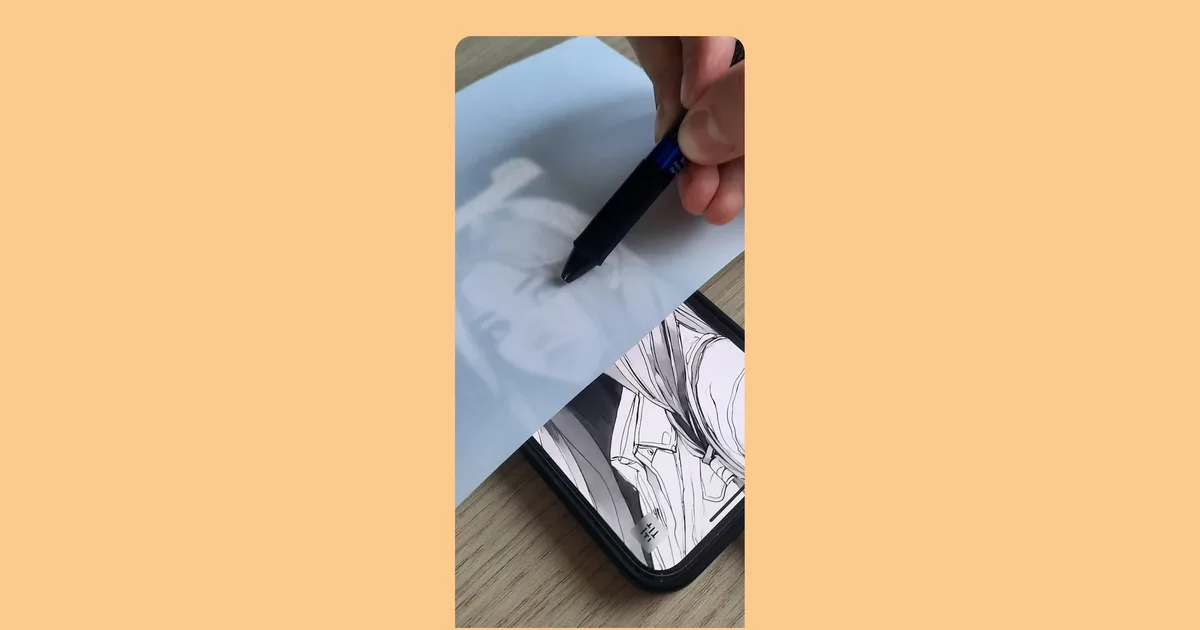
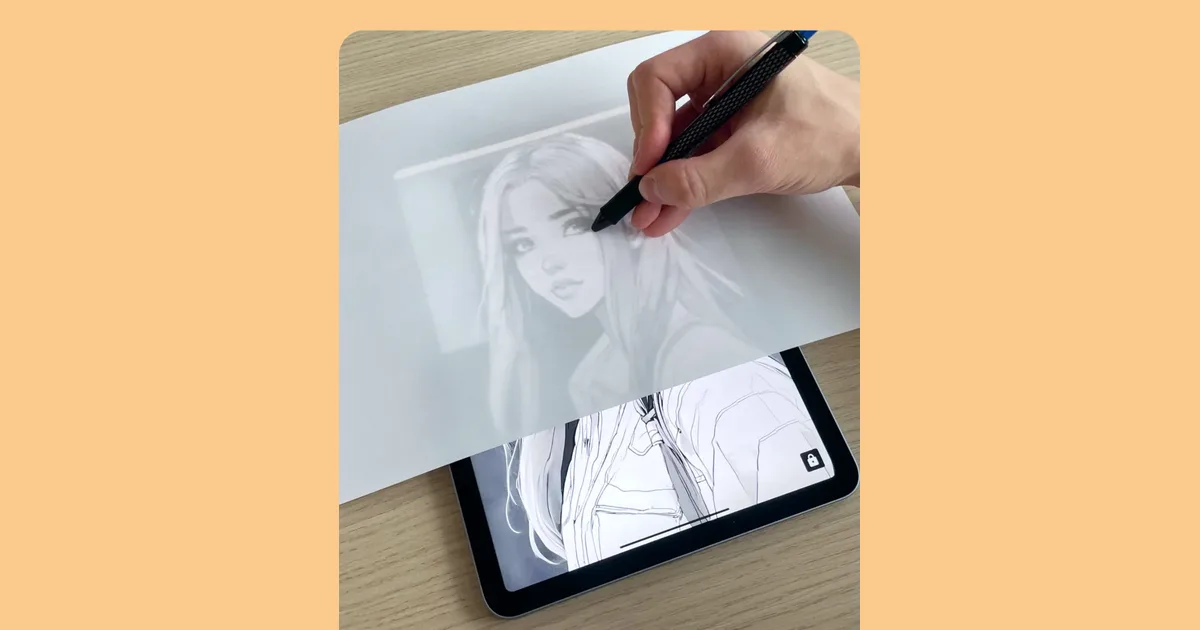
Pick drawings made of few, clear lines: a cartoon animal, a simple face, an anime character with bold outlines. In Lightbox draw, the Simple Animals, Simple Anime and Simple Portraits groups are made for this. Lay the paper on the screen, lock the picture and trace each line in one smooth stroke rather than many small ones. Then lift the paper and look at what you drew without the picture under it.
Step 2: trace detailed drawings and your own photos
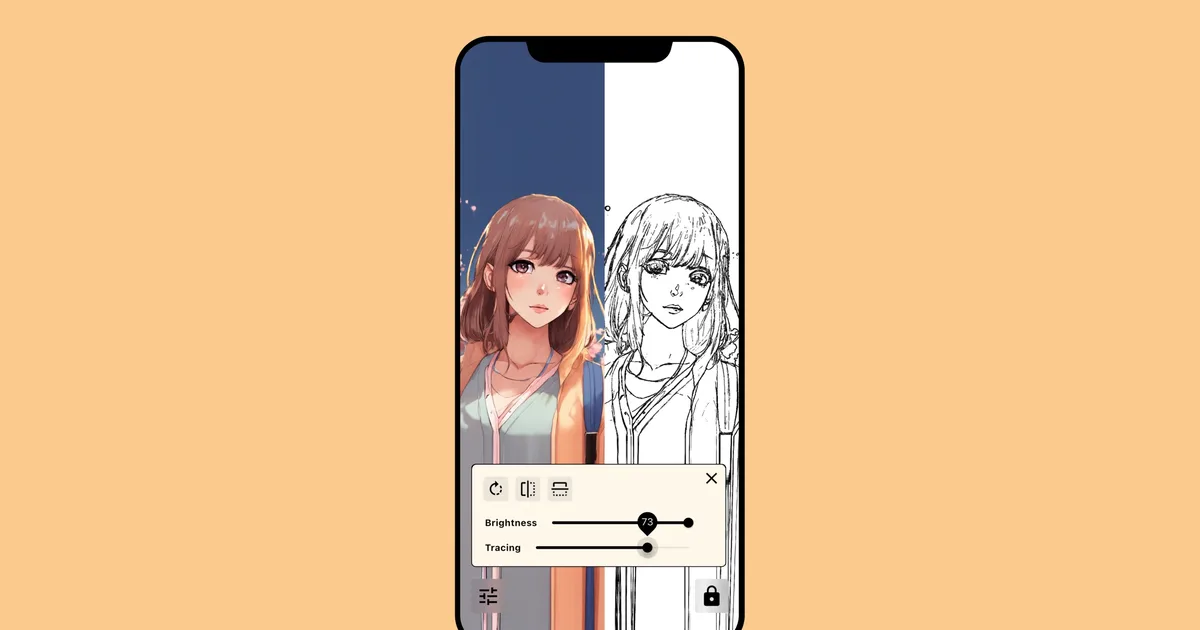
Move on to the Animals, Portraits, Anime and Fairytale drawings, or your own photos. Turn a photo into outlines with the Tracing slider first, so you trace edges instead of guessing through shading. Notice where the lines go: how an eye sits in a face, how a body is built from simple shapes.
Step 3: draw it with a grid instead of tracing
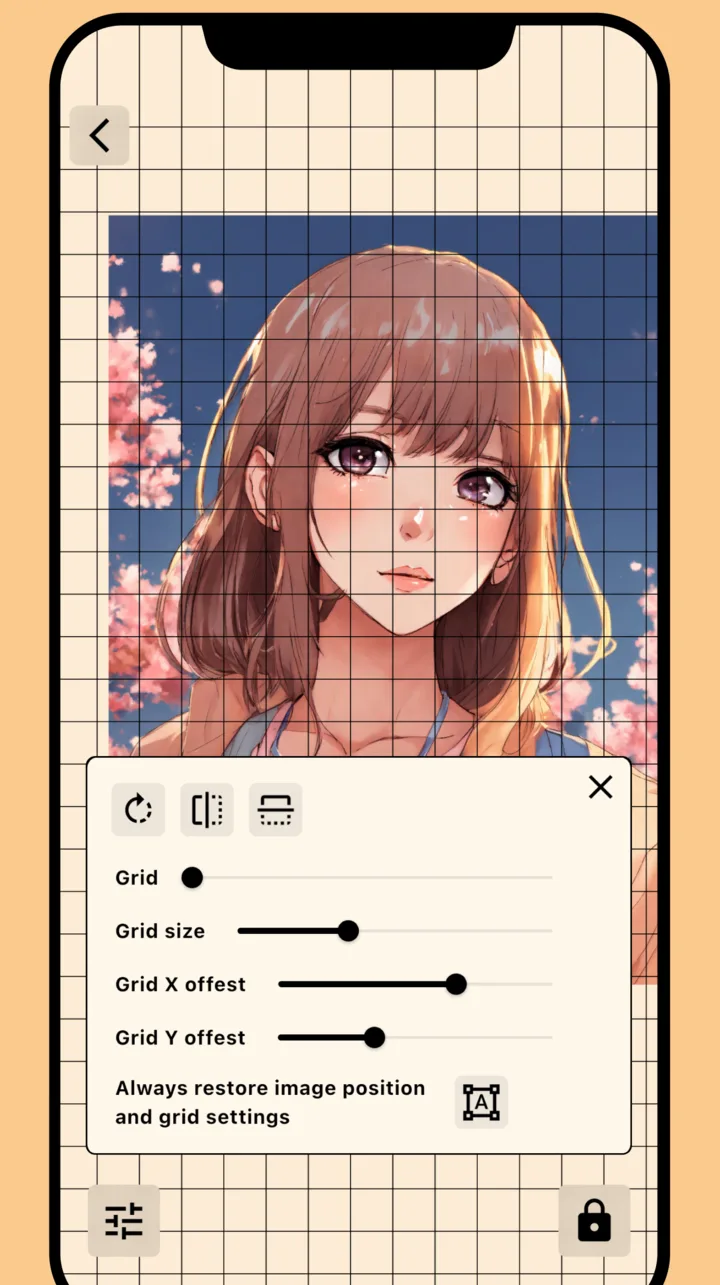
The grid method is how artists copy and scale a picture by eye. Turn on the grid over the picture, draw a matching grid lightly on your paper, and copy what you see one square at a time, with the phone beside the paper instead of under it. When you can do that, try the same picture with no grid at all.
Tracing with kids
Children can trace from a phone or tablet with no printer. Choose a simple drawing, turn the brightness up, lock the picture so small hands can't move it, and tape the paper down. Colour it in afterwards. Keep the pressure light and sharp points off the glass.
Questions people ask
Can tracing help you learn to draw?
Yes, as a first step. Tracing trains steady lines and shows how a drawing is built from shapes. Move from simple to detailed drawings, then copy the same pictures freehand with a grid, and finally without one, so your eye learns proportion too.
How can I trace anime characters from my phone onto paper?
Open the character in a light box app such as Lightbox draw, which also has its own anime drawings. Zoom it to size, lock it so your hand can't move it, lay thin paper on the screen at full brightness and trace the outlines. Add shading by eye afterwards.
What is an easy app for kids to trace pictures onto paper?
Lightbox draw has simple animals, anime and portraits made of few lines, and a lock that stops small hands from moving the picture. Lay thin paper on a phone or tablet, trace, then colour it in. It is free to download and to trace with, on iPhone, iPad and Android.
Is tracing cheating?
Not when you're learning or making something for yourself. Artists have long traced to study proportion and transfer sketches. Tracing someone else's artwork and passing it off as your own original is different: credit the source or trace your own photos.
Turn your phone into a light box
Lay paper on the screen, lock the picture so your hand can't move it, and trace. Free to download on iPhone, iPad and Android.