- Lightbox draw
- Guides
- Tips
Turn a photo into line art you can trace
To trace a photo, first strip it down to its outlines. Edge detection does that in a second, and a light box app such as Lightbox draw lets you do it and trace the result in the same place: slide Tracing until only the lines are left, lock the picture and draw.
 The Lightbox draw team · 1 min read
How edge detection makes line art
A photo has no lines, only areas of colour. Edge detection looks for the places where brightness changes sharply, such as the line of a jaw against a background, the rim of an eye, or the edge of a sleeve, and marks them. What's left looks like a coloring-book page. It doesn't know which edges matter, so a patterned shirt or a leafy background comes out as a mass of small lines.
Do it in Lightbox draw
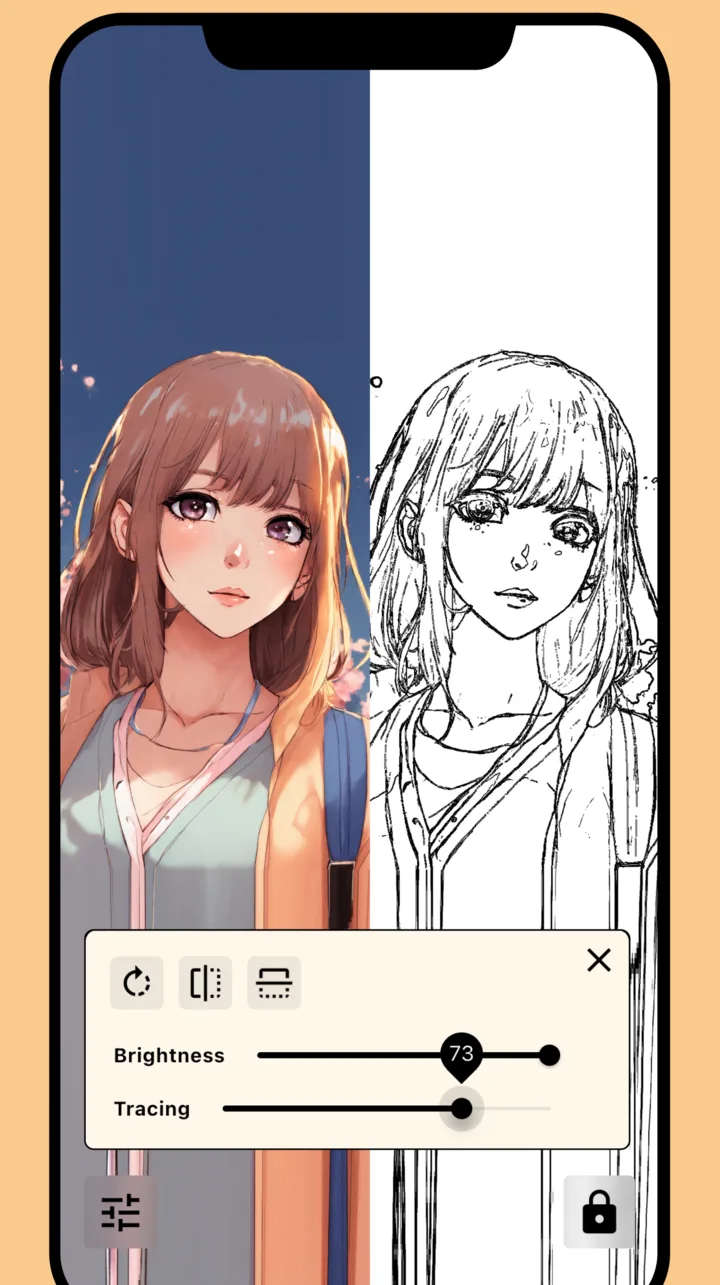
- Tap Choose your photo and pick it from your library. The photo stays on your device.
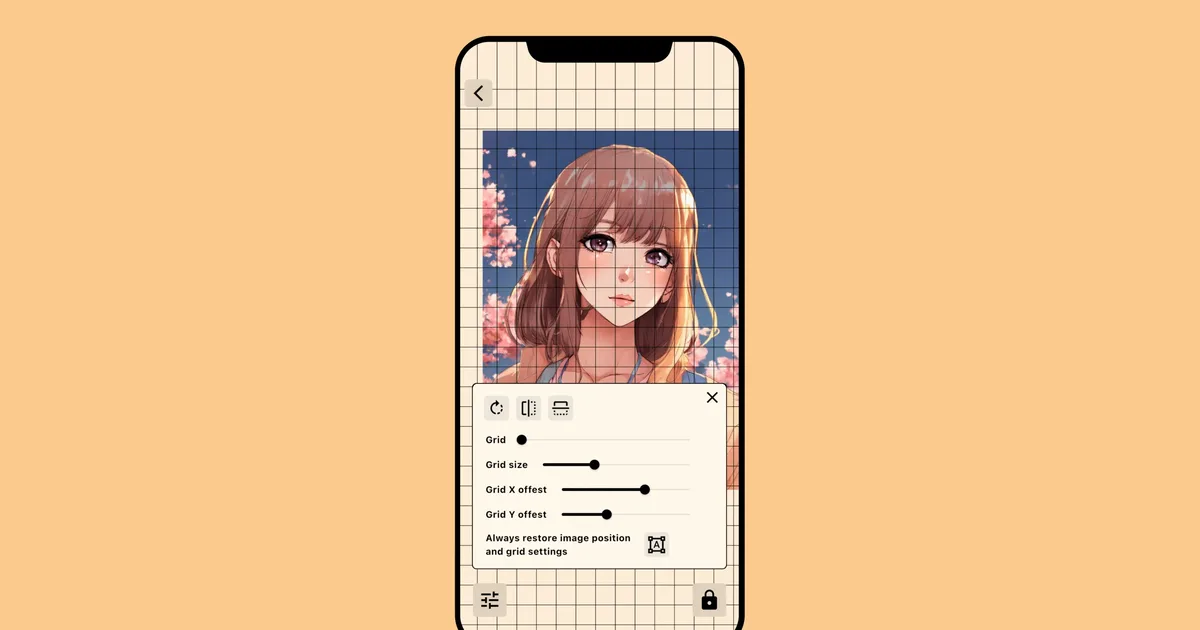
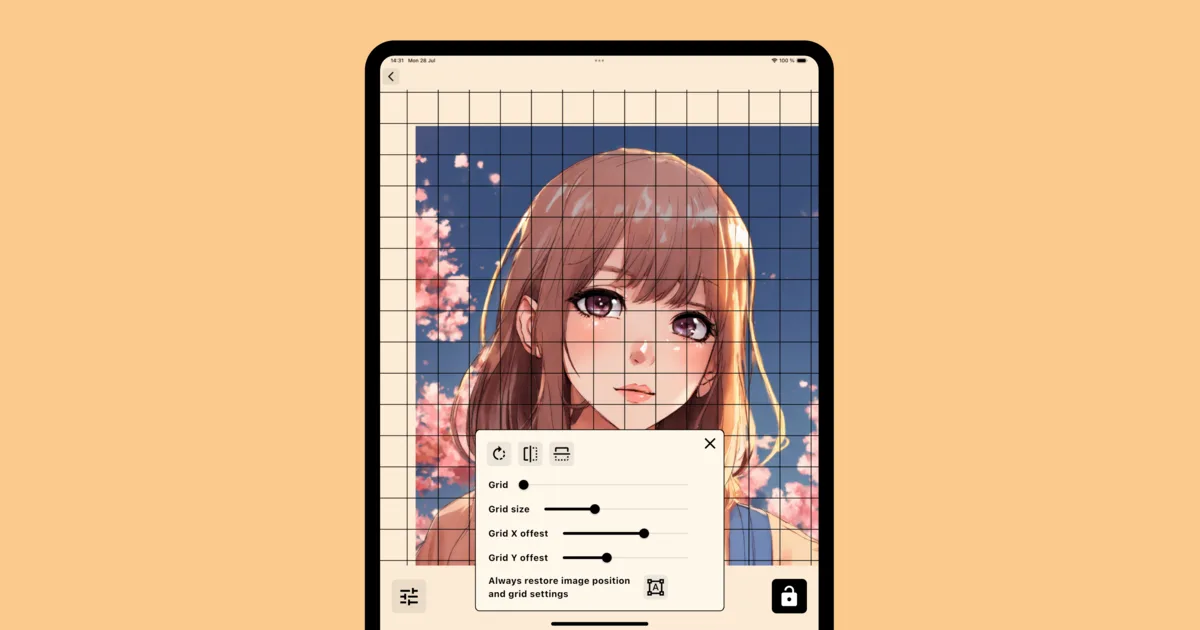
- Open the settings button and move the Tracing slider up. The photo fades and its outlines appear over it.
- Stop where the lines are clearest: low for a faint photo under the lines, high for outlines only.
- Pinch and drag the picture into place, then tap the lock button.
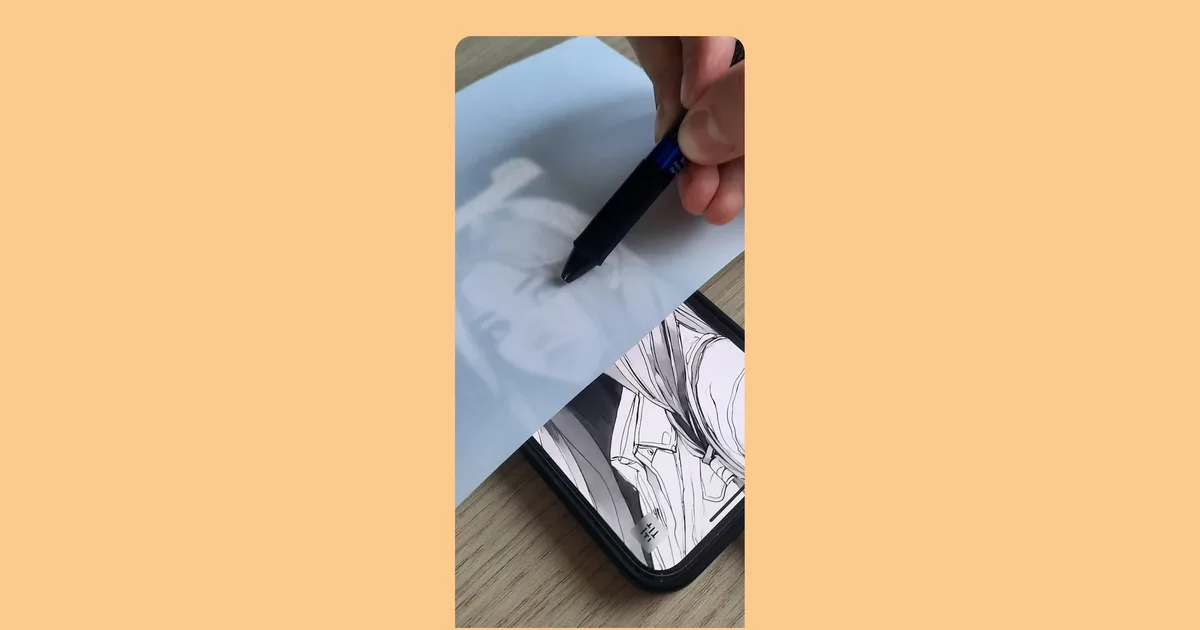
- Lay paper on the screen and trace. Turn Brightness down if the white glare makes the lines hard to see.
Choosing a photo that traces well
- Contrast: a face lit from one side, or a dark subject on a light wall, gives strong edges.
- Background: plain backgrounds give clean outlines. A busy one outlines every leaf and brick.
- Size: zoom so the subject fills the screen. Small details turn into dots.
- Sharpness: blurry photos give broken, doubled lines.
When to use a separate photo-to-sketch app
If you want a finished, artistic sketch to print or share rather than lines to trace, a dedicated photo-to-sketch or line art app gives you more styles. Save its result to your photos and open it in a light box app to trace it onto paper.
Questions people ask
What app turns a photo into line art I can trace?
Lightbox draw turns a photo into outlines with its Tracing slider, then lets you lock it and trace it through paper on the same screen, on iPhone, iPad and Android. Photo-to-sketch apps make more artistic line art; save their result and trace it in a light box app.
How do I turn a picture into an outline to trace?
Open it in an app with an outline or edge detection effect, such as Lightbox draw's Tracing slider or Trace Table's Outline Mode, and turn it up until only the outlines are left. Then lock the picture, lay thin paper on the screen and trace.
Why does my line art have so many extra lines?
Edge detection outlines every sharp change of brightness: texture, shadows, patterns and background clutter. Pick a photo with a plain background and clear light, zoom in on the subject, and trace only the lines that describe its shape.
Is my photo uploaded when Lightbox draw converts it?
No. Lightbox draw converts the photo to outlines on your phone or tablet, and the photo isn't sent anywhere.
Sources
- Trace Table - Light Box on the App Storelisting checked November 2026: Outline Mode
Turn your phone into a light box
Lay paper on the screen, lock the picture so your hand can't move it, and trace. Free to download on iPhone, iPad and Android.