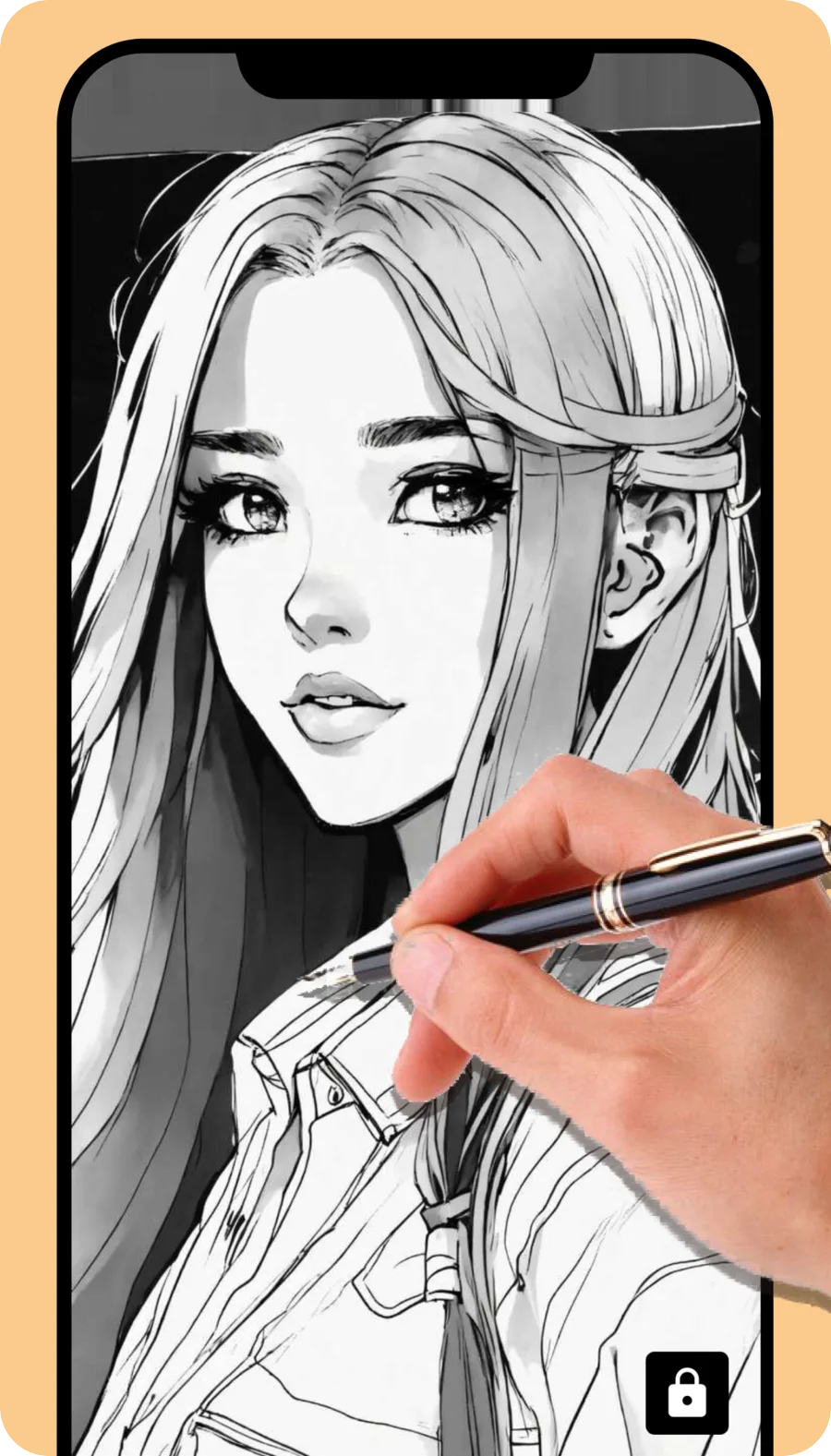
How it works
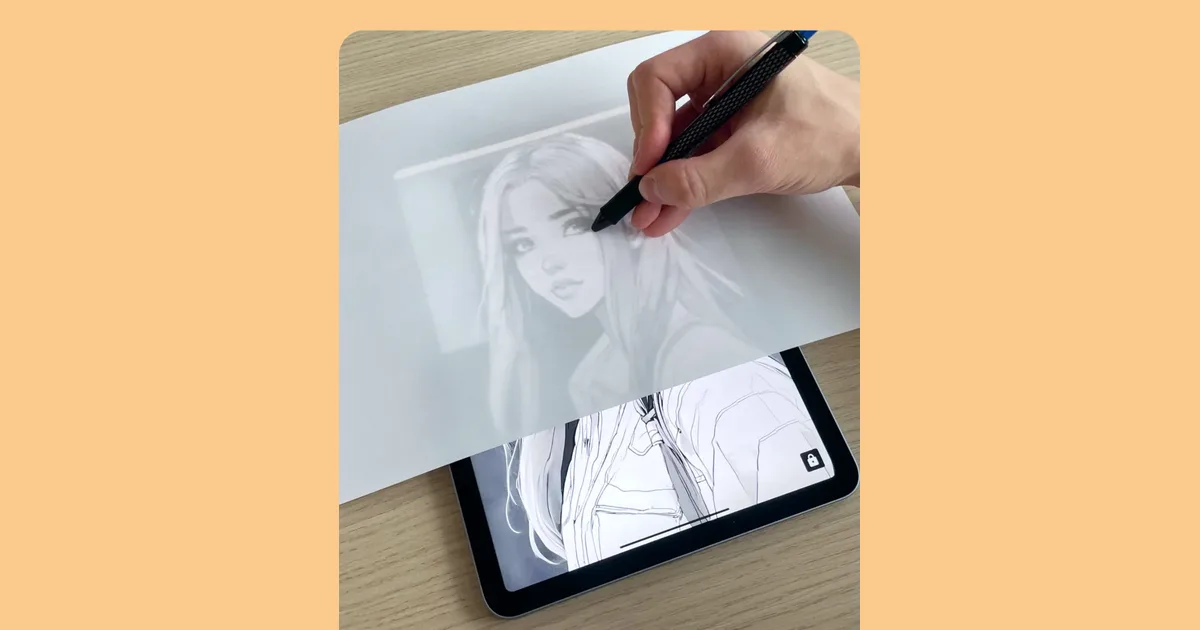
No light box and no printer: the picture on your screen shines through the paper, and you draw over it.
-
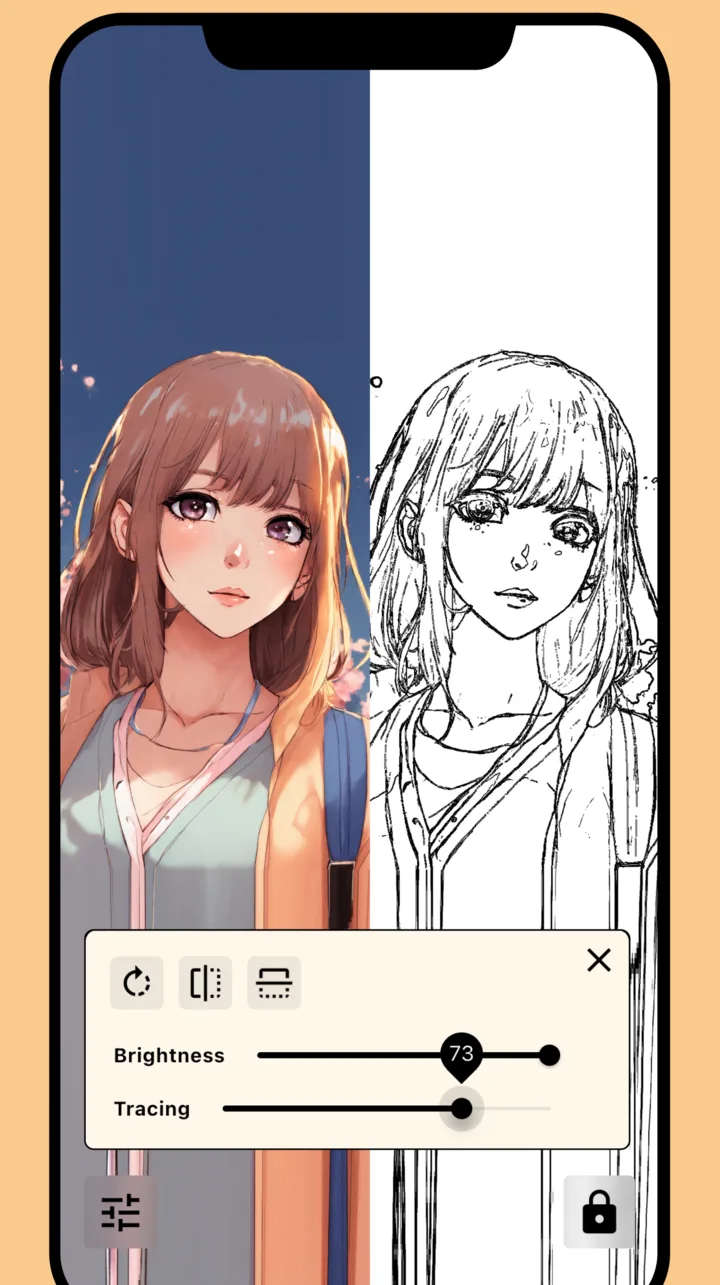 1
Pick a picture
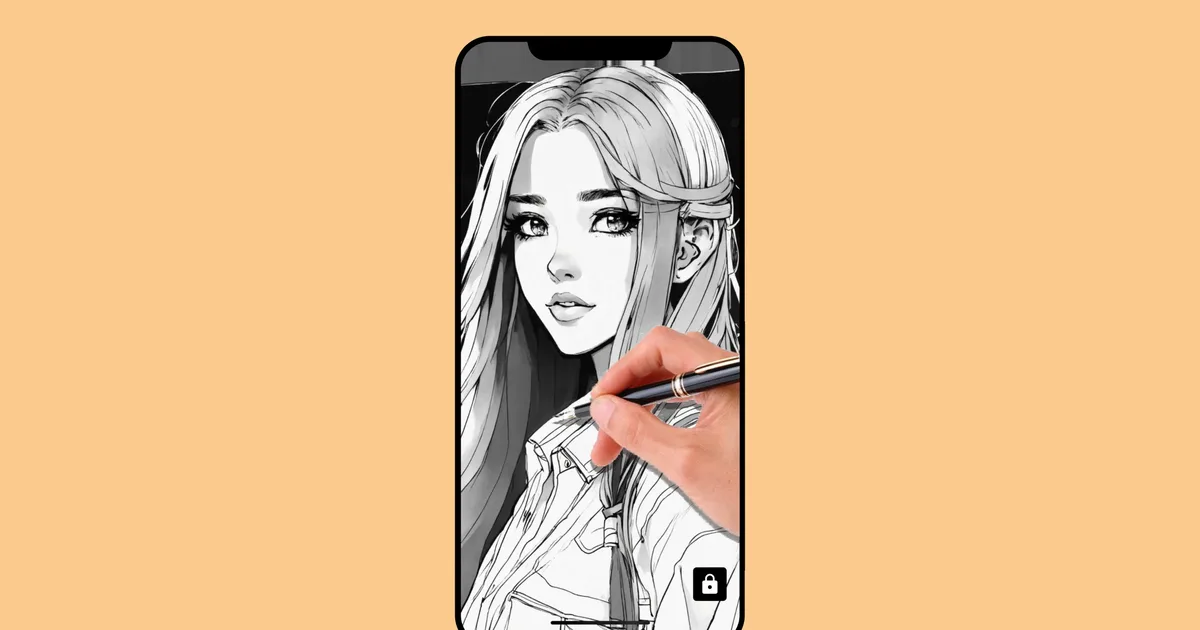
Your own photo or a ready-made drawing. Slide Tracing to turn a photo into clean outlines.
-
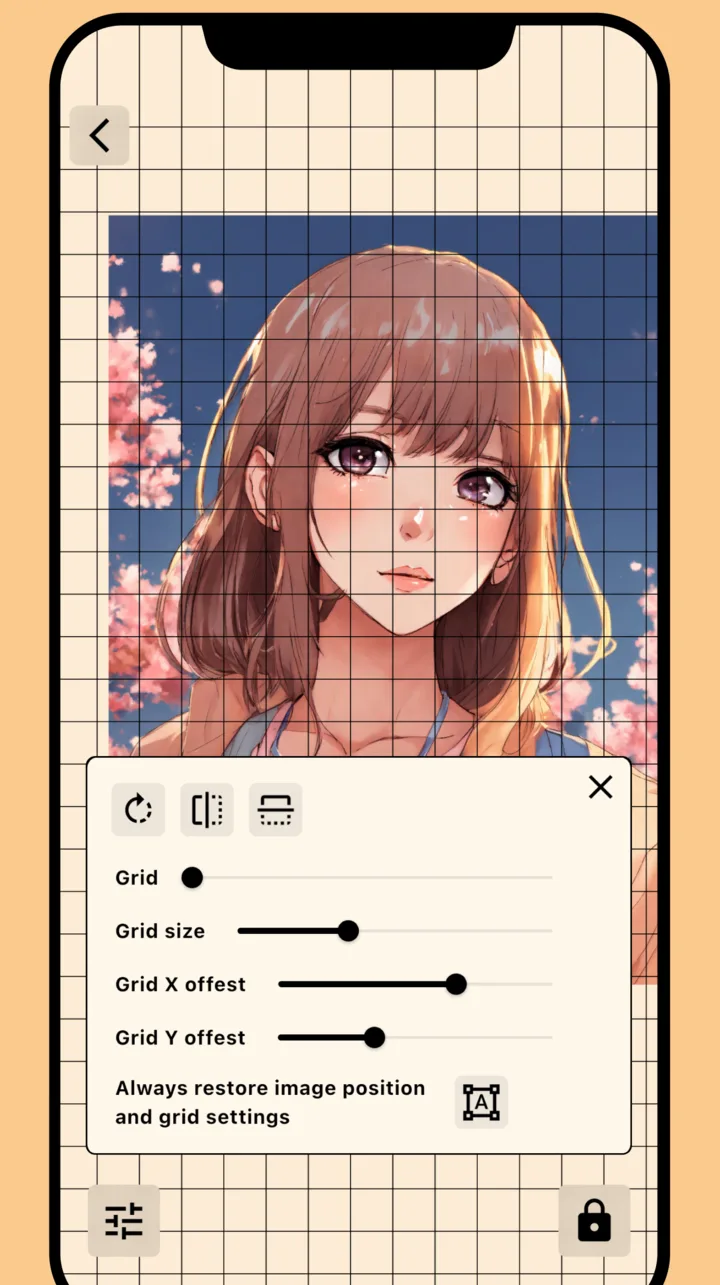 2
Place it and lock it
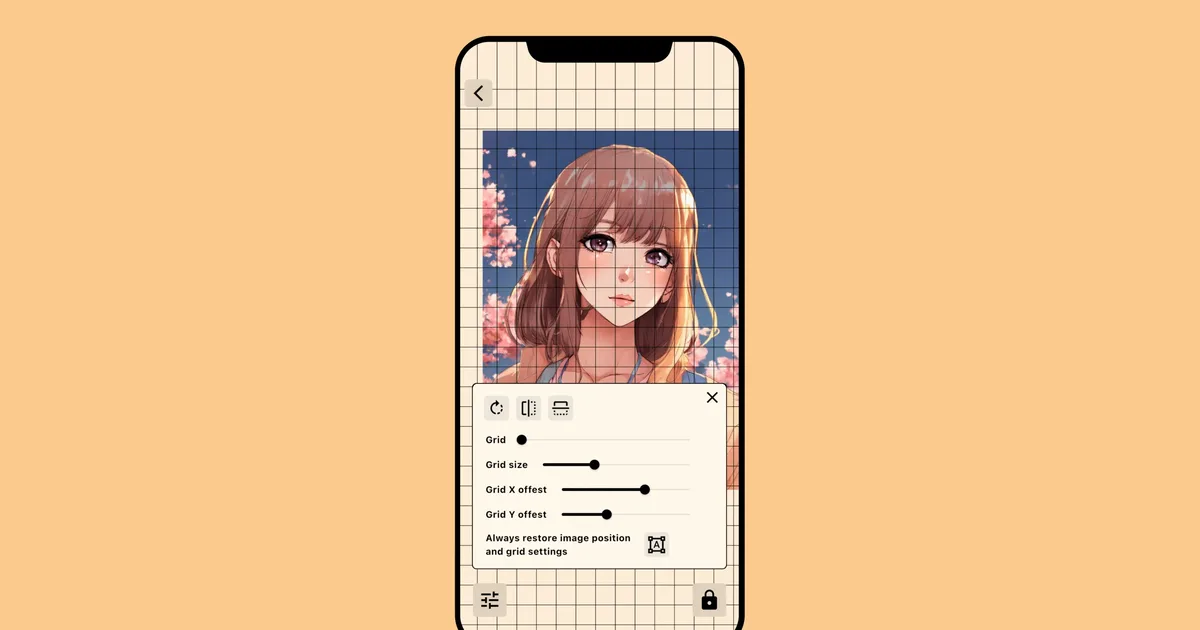
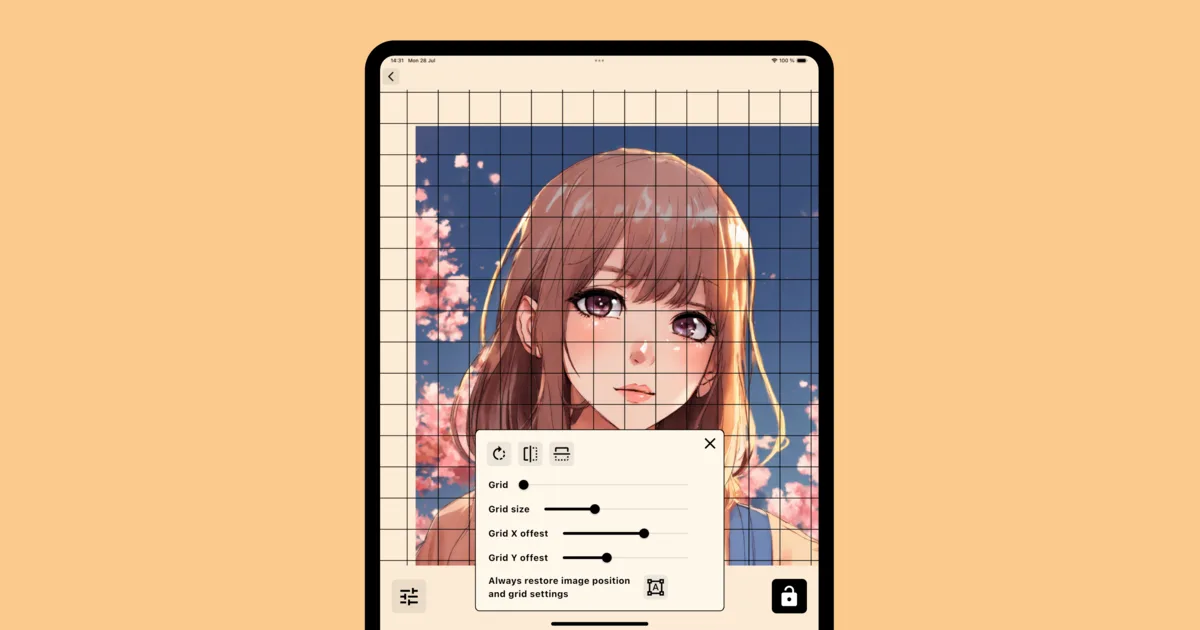
Zoom, rotate or mirror it and add a grid if you like. Then tap the lock, so your hand can't move it.
-
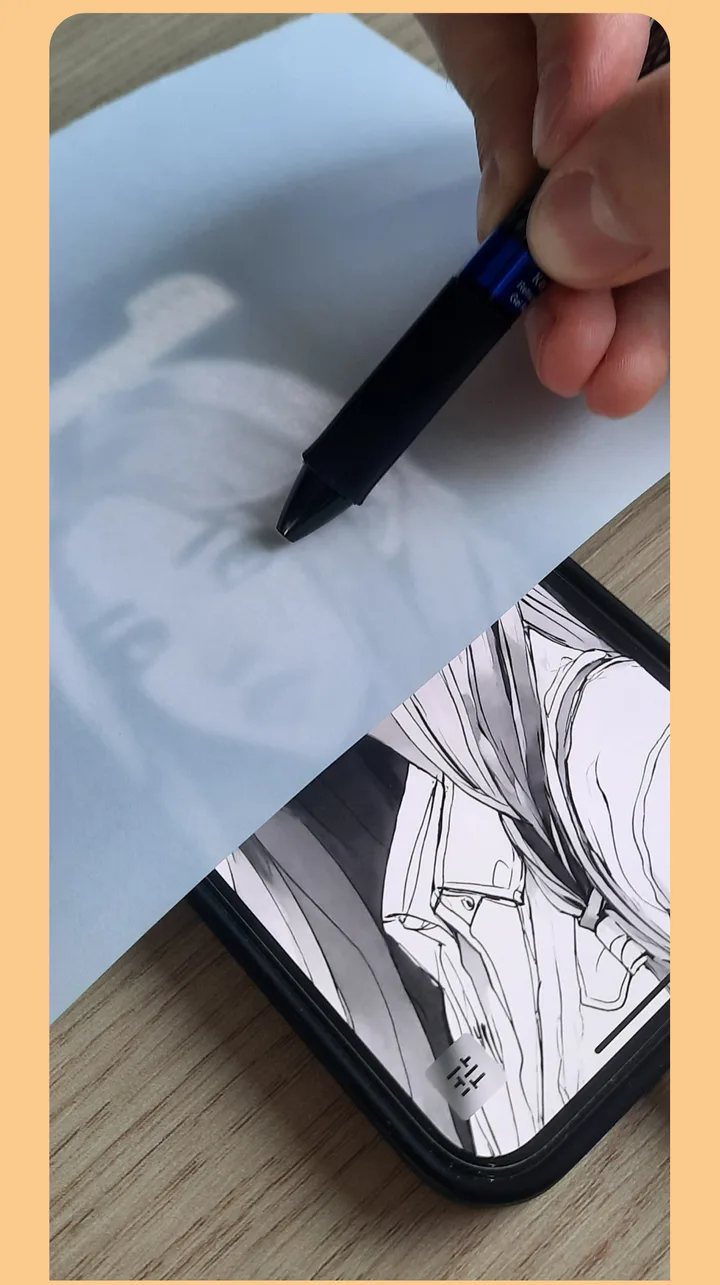 3
Lay paper on it and trace
Use thin paper. The picture shines through at full brightness, and the screen stays on while you draw.
What people use it for
Anything you want on paper, as long as the paper is thin enough to let the light through.
Learn to draw
Trace simple drawings first, then draw the same one freehand with a grid.
Read the guide →Trace your photos
Turn a photo of a face, a pet or a place into outlines, then trace them.
Read the guide →Anime and characters
Ready-made anime, portraits and animals to trace, simple ones for beginners too.
Lettering and crafts
Copy letters, patterns and stencils onto paper, no printer needed.
What people say
Reviews from Google Play and the App Store.
“Perfect. Normally the tablet screen would slide while I was drawing; with this one nothing happens. Very good.”
“it’s amazing to trace for posters if you don’t have a printer :)”
“Incredibly good, it has helped me a lot to improve my drawings ^^”
Guides
How to set it up, which app fits which job, and what a light box can't do.
-
 LearningLearn to draw by tracing from your phone
-
 ComparisonLight box app or AR tracing app?
-
 TipsStop the picture moving while you trace
-
 ComparisonTracing apps compared: which one fits
-
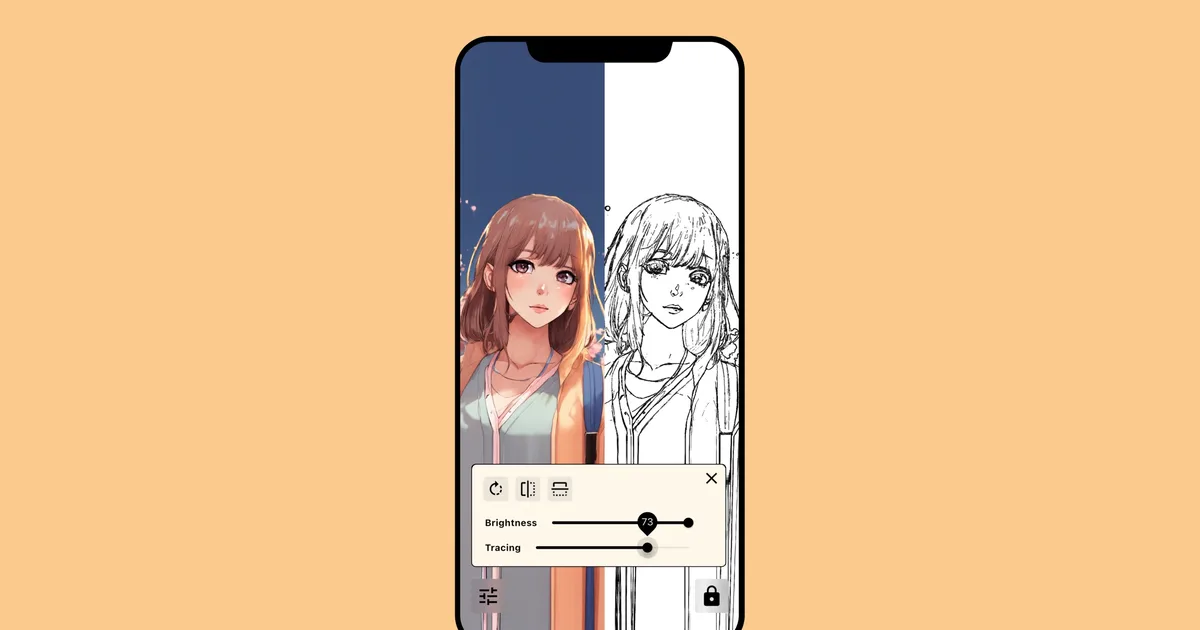 TipsTurn a photo into line art you can trace
-
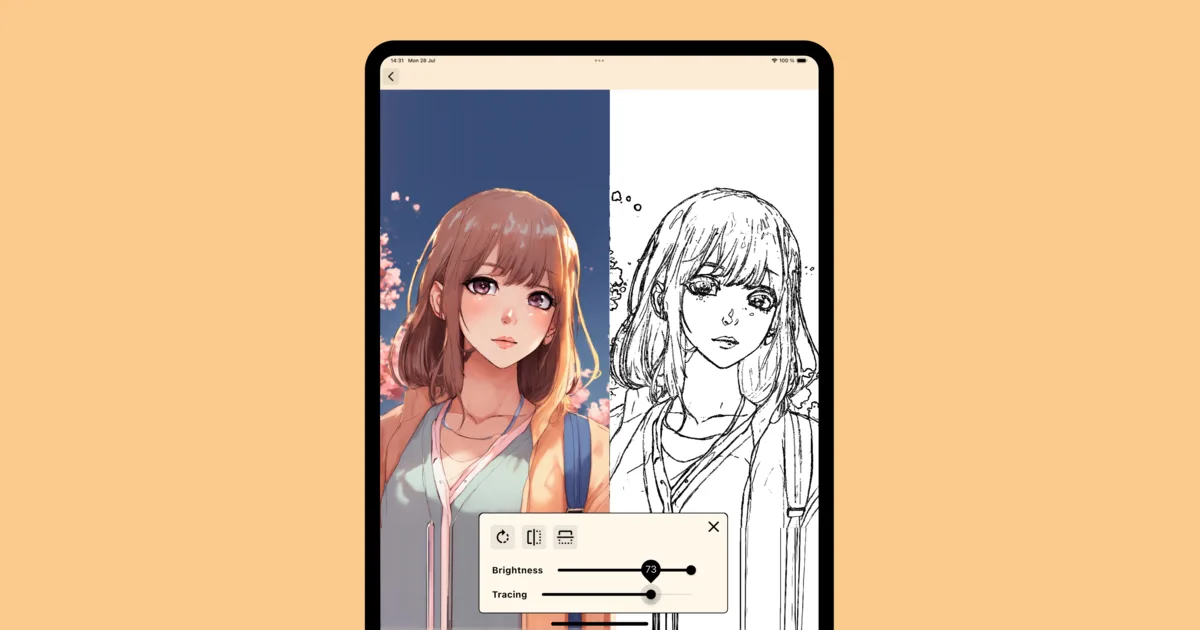 iPadUse your iPad as a light box for tracing
-
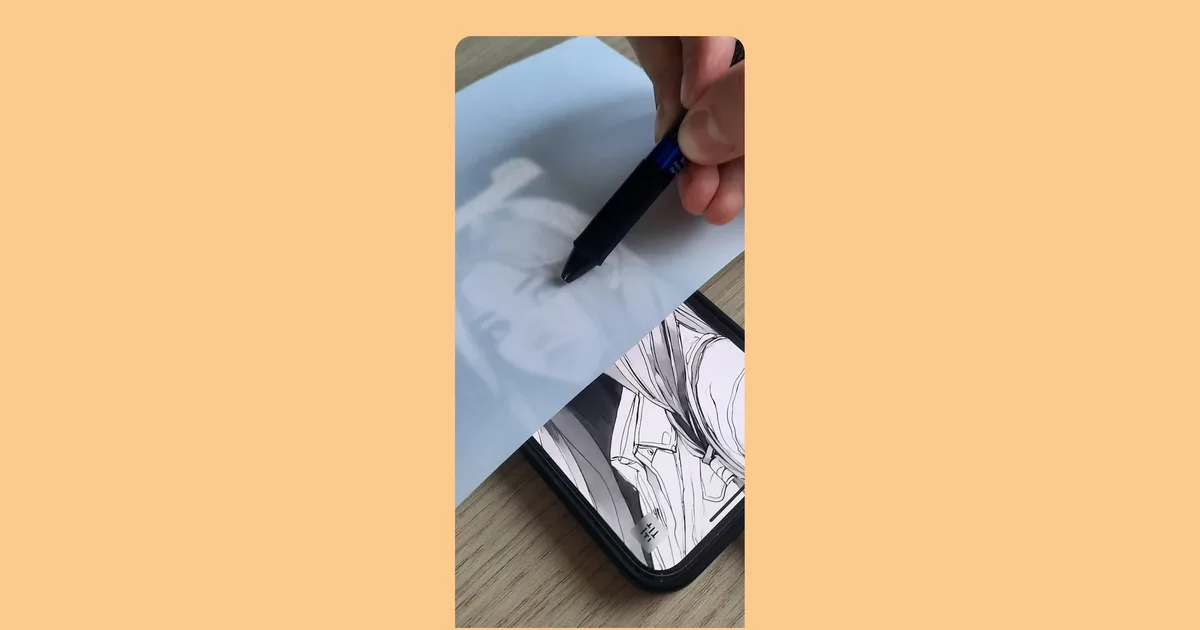 Phone and AndroidUse your phone as a light box to trace a drawing
Questions
What is the best free app to turn my phone into a lightbox for tracing?
Lightbox draw is free to download for iOS and Android. It turns your phone or tablet into a lightbox so you can place paper over the screen and trace any image. Over 1.5 million people have used it to draw.
Can I use my phone as a lightbox to trace a drawing?
Yes, that's the whole point of the app. Put a sheet of paper over your screen, lock the image so your hand can't move it, and trace the picture showing through. The screen stays on and bright while you trace.
Can I trace my own photos?
Yes. You can load any image from your phone, and you can even turn a photo into clean line art first so it's easier to trace.
Is Lightbox draw free?
The app is free to download and to trace with. An optional premium upgrade unlocks the full features.
Who is Lightbox draw for?
Artists, students, designers, and hobbyists. Anyone who wants to copy a drawing accurately without a bulky physical lightbox.
Do I need to print anything?
No. The image shows on your screen, so you just lay a sheet of paper over the display and trace. No printer required.
What devices does Lightbox draw work on?
iPhones and iPads with iOS 15 or later, and Android phones and tablets. A bigger screen gives you more room to trace.
How do I trace with the app?
Open the image you want, place it where you want it, and tap the lock button so your hand can't move it. Put a sheet of paper over the display and trace the lines showing through. Double-tap the lock button to unlock.
Is Lightbox draw an AR tracing app?
No. It is a light box app: the paper lies on the screen and the picture shines through it. That suits thin paper up to the size of your screen. For canvas, thick paper or big sheets, an AR tracing app that shows the picture over your paper through the camera fits better. Which one to use.
Turn your phone into a light box
Lay paper on the screen, lock the picture so your hand can't move it, and trace. Free to download on iPhone, iPad and Android.