- Lightbox draw
- Guides
- Comparison
Light box app or AR tracing app?
If your paper is thin and fits on your phone or tablet, use a light box app: the paper lies on the screen and you trace straight onto it. If the sheet is big or thick, or it's a canvas, use an AR tracing app, which shows the picture over your paper through the camera.
 The Lightbox draw team · 2 min read
How each one works
| Light box app | AR tracing app | Real light box | |
|---|---|---|---|
| Where the picture is | Under the paper, on the screen | On the screen, over a camera view of the paper | Printed, under the paper |
| What you look at | The paper | The screen | The paper |
| Paper | Thin, up to the screen's size | Any size and thickness, canvas too | Thin, up to the pad's size |
| Needs | A phone or tablet | A phone, a stand or a glass to rest it on | The light box and a printout |
| Easy to keep aligned | Yes, once the picture is locked | The phone and paper must not move | Yes, with the sheets taped |
When a light box app is the better choice
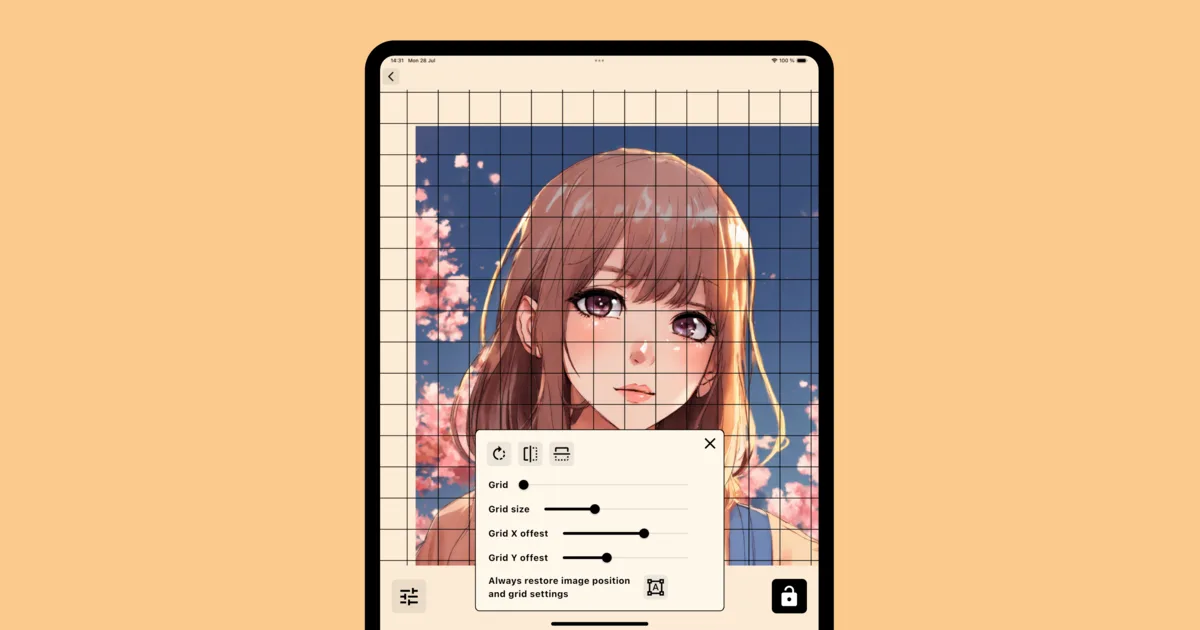
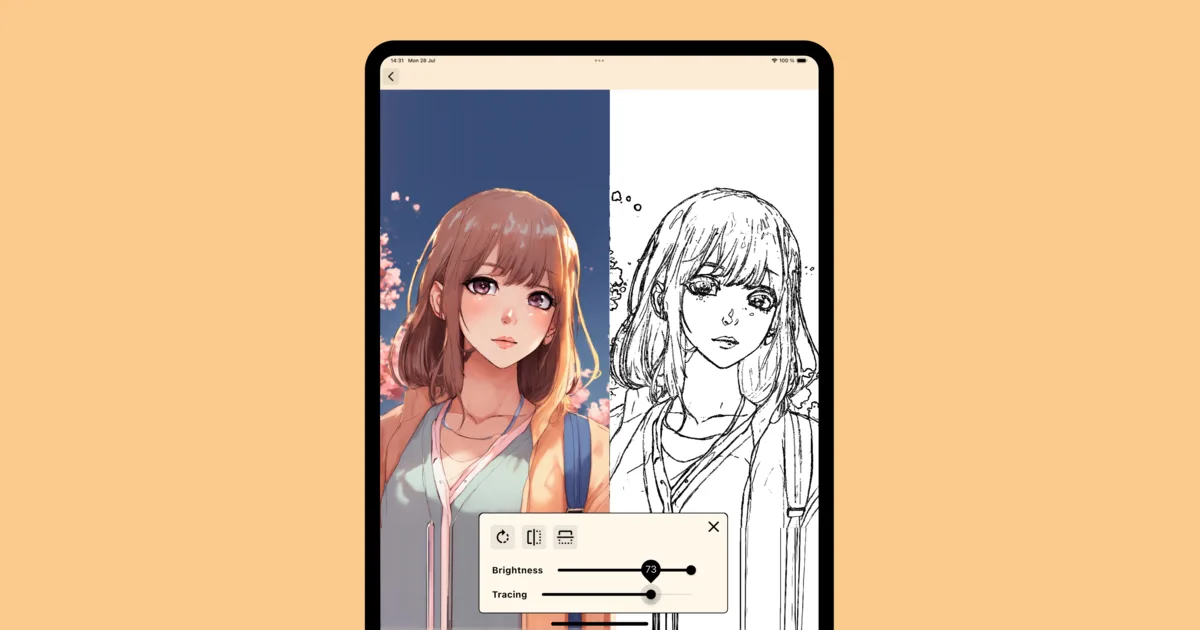
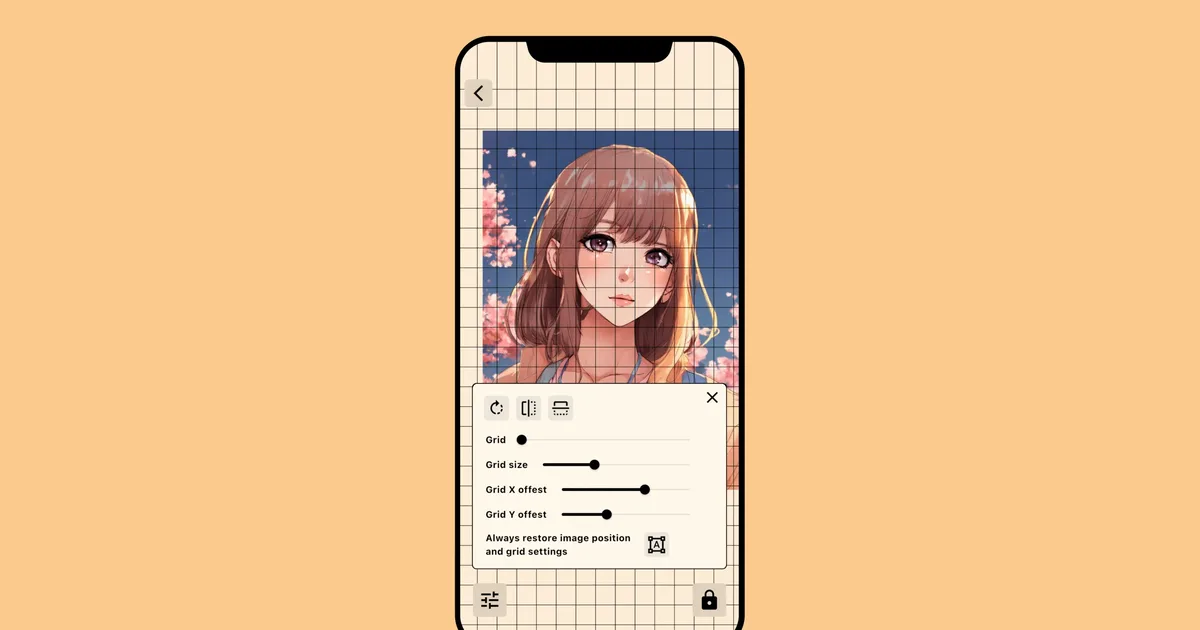
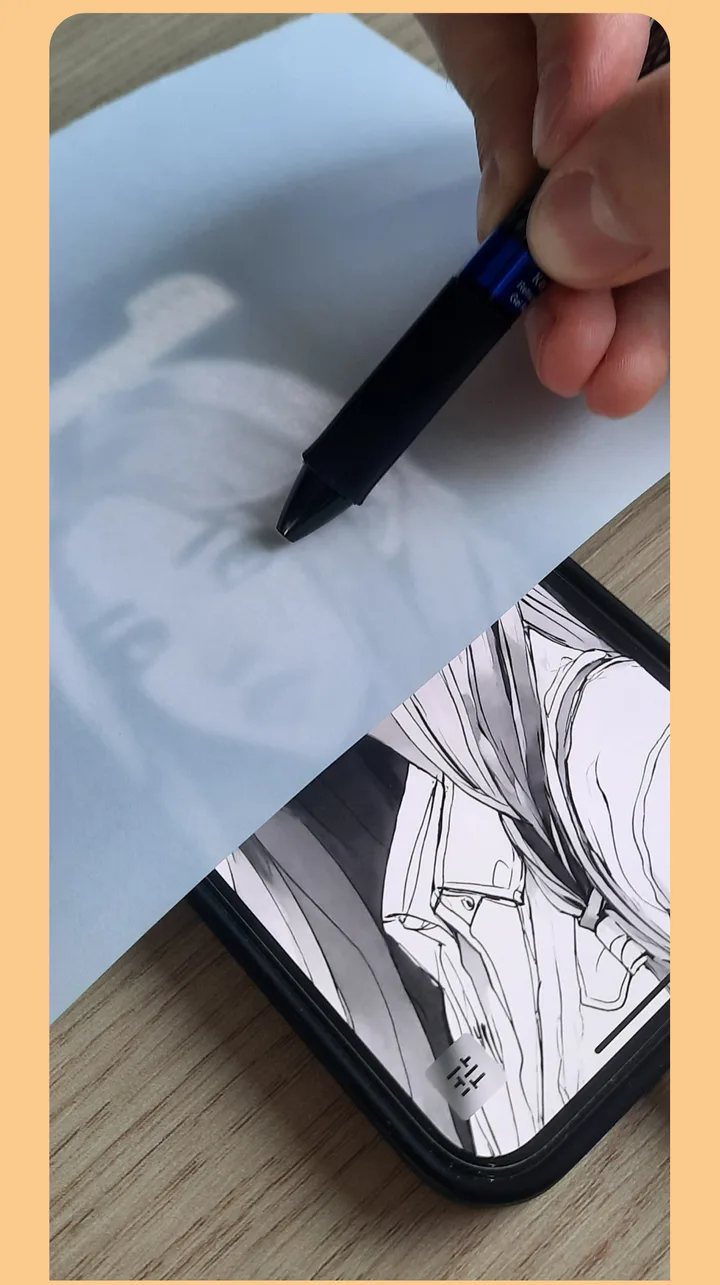
Pick one when you trace on ordinary or tracing paper and the drawing fits on your screen: a character for a card, a portrait sketch, lettering, a pattern, a picture for a child to color. You look at the paper the whole time, as with a real light box, and there's nothing to set up. In Lightbox draw you pick a photo or a ready-made drawing, turn it into outlines if it's a photo, lock it and trace.
When an AR tracing app is the better choice
Pick one when the surface won't let light through or won't fit on a screen: a large sheet of drawing paper, watercolor paper, a canvas. You prop the phone above the paper and draw while watching the screen, where the picture is laid over your paper and your hand. Da Vinci Eye's listing describes the phone held above the canvas on a stand or a tall glass, with an AR mode that keeps the picture aligned if the phone or canvas moves.
And a real light box?
An LED light pad is a flat, evenly lit panel you put a printout and your paper on. It is usually bigger than a tablet and leaves your phone free. You need a printer and you pay for the pad, so it pays off if you trace large sheets often. For tracing now and then, a phone or tablet with a light box app does the same job.
Questions people ask
Should I use an AR drawing app or a light box app to trace a picture?
Use a light box app if your paper is thin and fits on your phone or tablet: you lay the paper on the screen and trace directly. Use an AR app for larger sheets, thick paper or canvas: the phone sits on a stand and shows the picture over your paper through the camera.
Is a light box app as good as a real light box?
For paper up to the size of your screen, yes: the picture shines through the paper the same way. A real LED light pad is bigger, needs a printout, and suits large or frequent work. A light box app such as Lightbox draw also turns photos into outlines and locks the image in place.
Can I trace onto thick paper with a light box app?
Not well. Light from a phone or tablet doesn't shine through card, watercolor paper or canvas. For those, use an AR tracing app that shows the picture over your paper through the camera, or transfer the outline with graphite paper.
Does Lightbox draw have an AR mode?
No. Lightbox draw is a light box app: you lay the paper on the screen. It shows your photo or a ready-made drawing, turns photos into outlines, overlays a grid and locks the picture so your hand can't move it, on iPhone, iPad and Android.
Sources
- Da Vinci Eye: AR Trace & Draw on the App Storelisting checked November 2026
- Translucent: AR Trace & Draw on the App Storelisting checked November 2026
- Trace Table - Light Box on the App Storelisting checked November 2026
Turn your phone into a light box
Lay paper on the screen, lock the picture so your hand can't move it, and trace. Free to download on iPhone, iPad and Android.